Types of clear aligner pliers
Cutting pliers
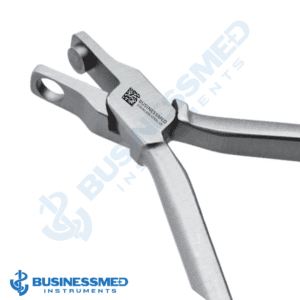
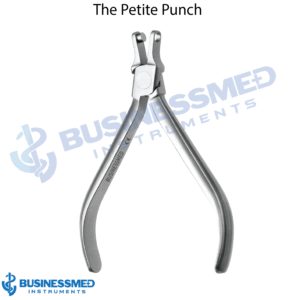
The hole punch plier cuts a half-moon window so the aligner seats over a bonded button or attachment; the tear drop punch plier cuts the notch at the gingival edge where Class II or Class III elastics are hooked, without bonding a button.
Forming pliers
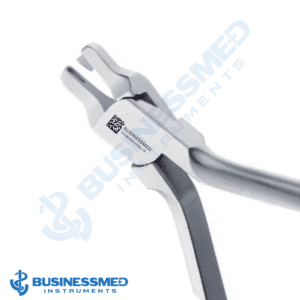
The dimple punch plier adds a pressure point where a tooth lags behind, or a retention point over an undercut; the vertical punch plier places a line-angle pressure point for rotations, tipping and extrusion; the horizontal punch plier adds a force point for labial or lingual root torque.
Eraser plier
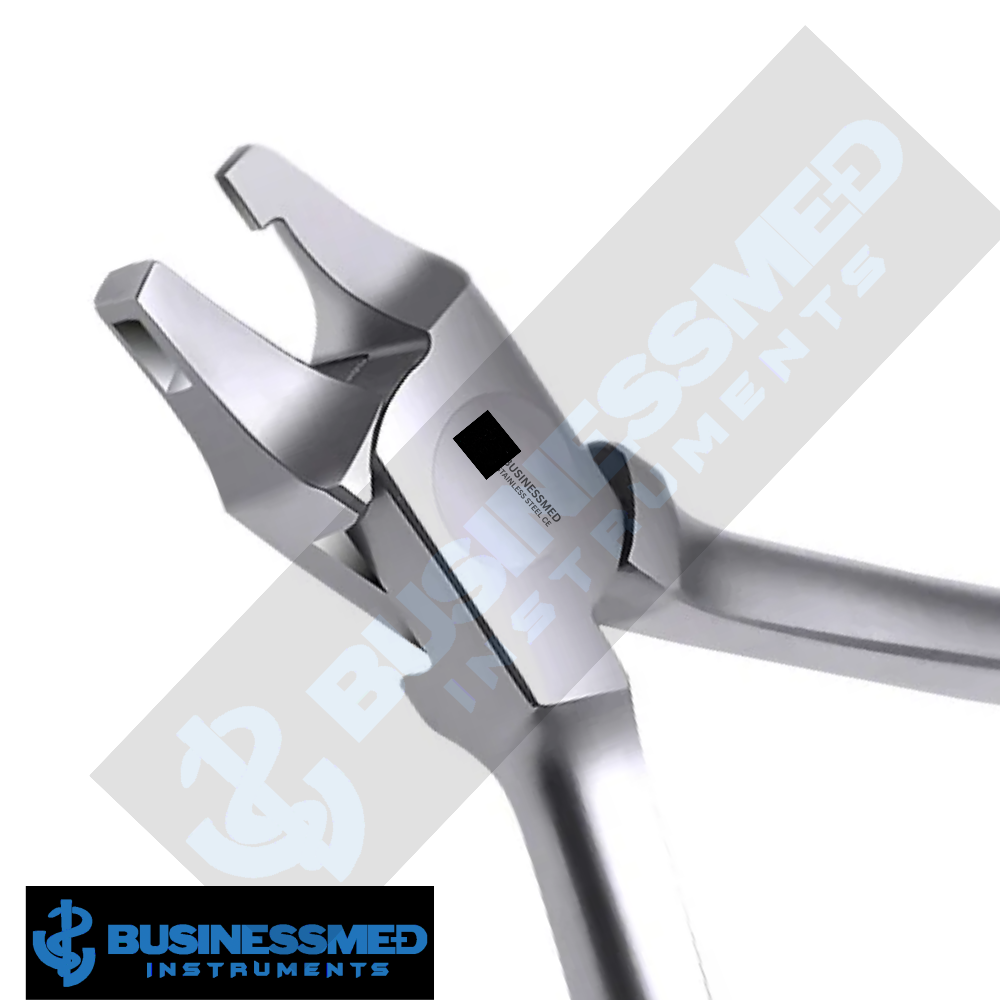
The clear aligner eraser plier flattens a dimple once its tooth movement is complete or when it causes a sore spot, and corrects a misplaced indentation.
How to choose aligner pliers
- Cut or press. To make room for buttons and elastics, choose a cutting plier — the aligner hole punch plier or the tear drop aligner plier; to add force or retention, the forming pliers; to undo a change, the eraser.
- Direction of force. Dimple pliers give a point; vertical and horizontal punch pliers give a line in the direction named.
What are clear aligner pliers used for?
Clear aligner and retainer adjustments between trays: button windows and relief cuts, elastic notches for interarch elastics, pressure points for lagging rotations, extrusions and root torque, retention points over undercuts, and reversing earlier changes.
How BusinessMed aligner pliers are made
German stainless steel with a satin, non-reflective finish; reusable, autoclavable and covered by a 5-year warranty.